



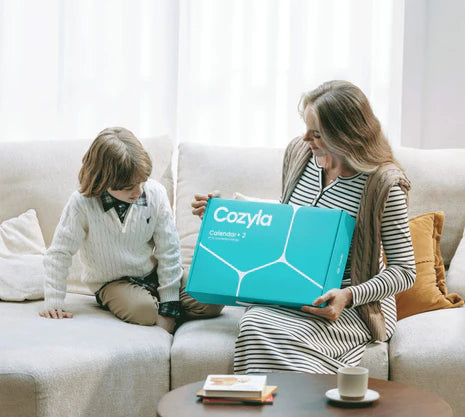


100,000+ Families, One Smart System
Feel family more organized
See positive behavioral changes in their children
Stay updated without reminders
One screen keeps every schedule, meal, chore, and moment effortlessly in sync — so your family spends less time planning more time living.
How Cozyla Families Find Their Rhythm
From hectic mornings to evenings at home, it all works together to keep your family in sync, organized, and connected.


Help your family start the day right
Start the day in sync
Everything your family needs, from the very start. Tomorrow becomes easier when everyone knows what's coming next.

Dashboard

Calendar

Tasks


Always on the right track
Stay connected everywhere
Your family stays connected – even when you're apart.

Cozyla+

Auto-Sync

Memories

Groceries


Sit back and relax
From Chaos to Comfort
From hectic evenings to quiet moments – everything flows together.

Meals

Rewards

Screensaver

Entertainment
Help your family start the day right
Start the day in sync
Everything your family needs, from the very start. Tomorrow becomes easier when everyone knows what's coming next.
Dashboard
Calendar
Tasks
Always on the right track
Stay connected everywhere
Your family stays connected – even when you're apart.
Cozyla+
Auto-Sync
Memories
Groceries
Sit back and relax
From Chaos to Comfort
From hectic evenings to quiet moments – everything flows together.
Meals
Rewards
Screensaver
Entertainment
Meet Your Organized Day
With the Cozyla Calendar+ 2, it's within reach.


Start your day relaxed – completely without chaos
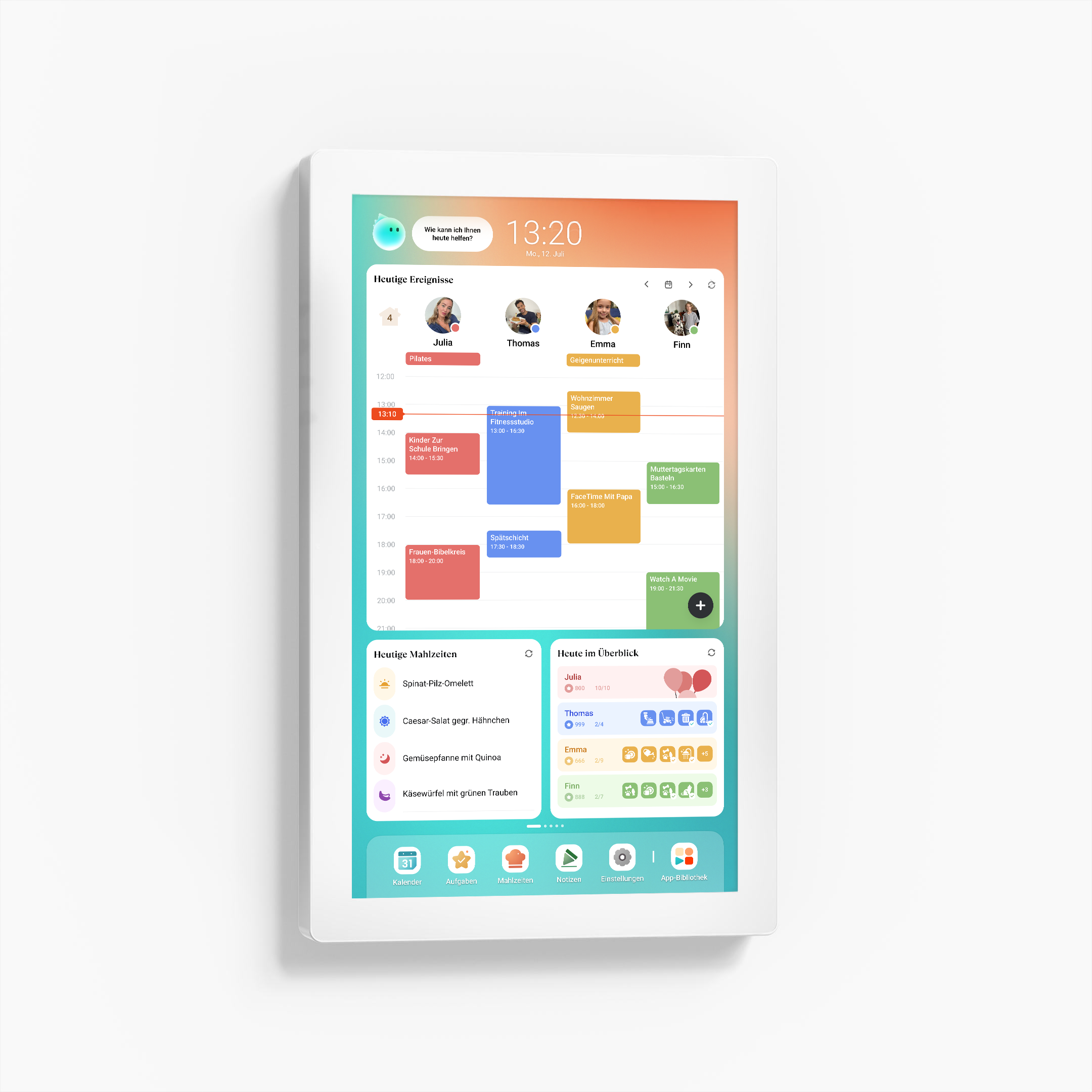
Whether it's appointments or school reminders: Everything is visible at a glance, even before your first cup of coffee.


Plans change. Everyone stays informed.
Changes are instantly synchronized across Cozyla Calendar+ 2 and the Cozyla+ app – ensuring the whole family is always in the loop.


From Stress Factor to Shared Family Time
No more eternal questions like, "What are we eating tonight?" Everyone already knows what's on the menu.


Guiding children on their path to independence
Feeding the dog, doing homework, packing the bag for tomorrow – the checklist for each family member is ready. This is how small routines become visible habits.


More Than Just a Calendar
Transform your family calendar into an interactive display for creativity, learning, and entertainment.
Celebrated and trusted by the world's leading media
Our innovative products and services have been widely recognized and consistently praised by leading media, underscoring our exceptional quality, industry impact, and commitment to excellence.

"Display all the details day by day, color-coded by household member."
"With calendar, tasks, meal planning, shopping, streaming ... it's a useful tool to help you get organized."
"Cozyla can be whatever you make of it."
Find Your Calendar+
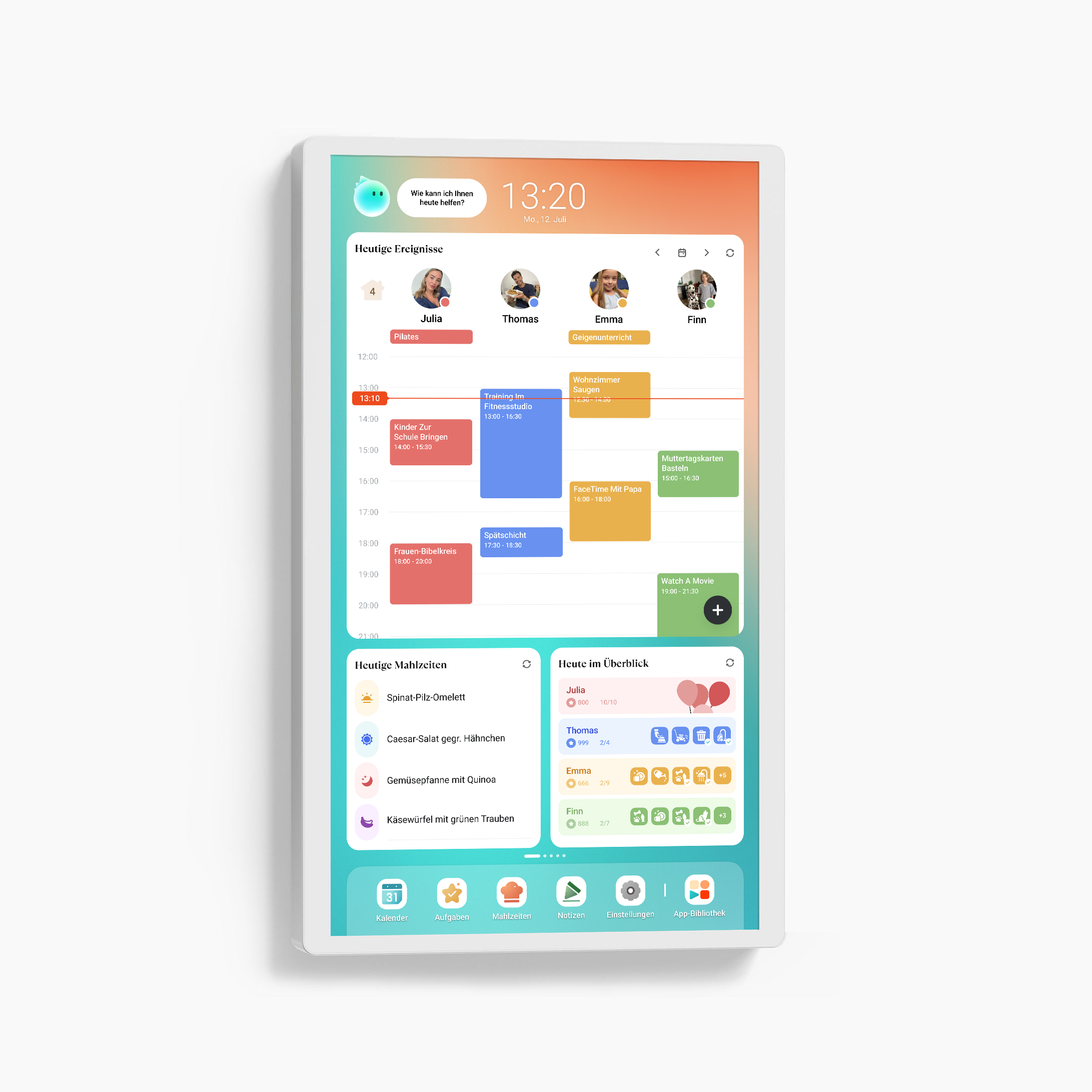
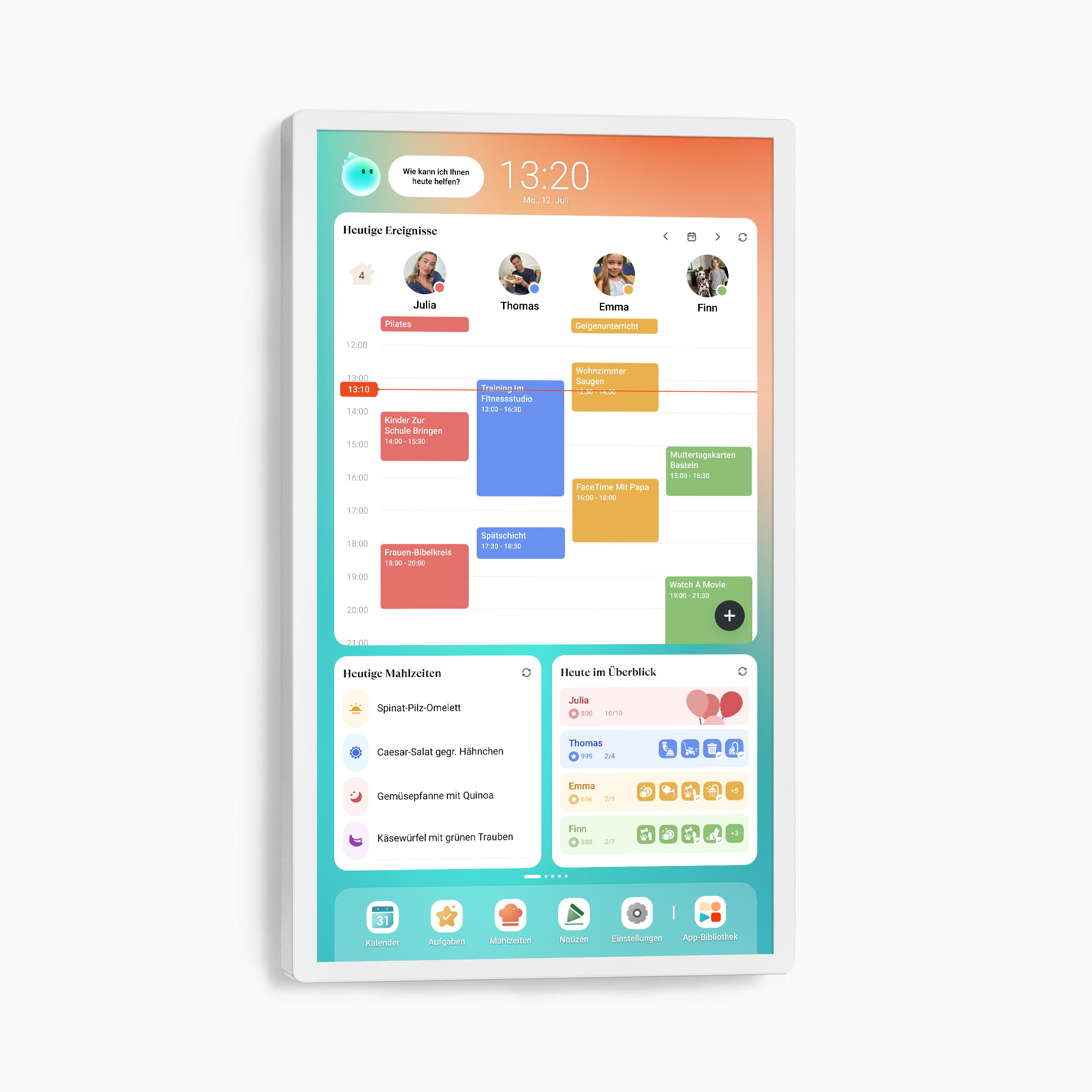
Device dimensions
15.75×0.81×9.86"
3.5 lbs
Device Dimensions
22.65×1.27×13.57"
10.4 lbs
Device Dimensions
28.87"×1.50"×17.01"
16.8 lbs
Resolution
1080P FHD(1920x1080)
Resolution
1080P Full HD (1920x1080)
Resolution
1080P FHD(1920x1080)
4K UHD(3840x2160)
Glare protection
✖️
Anti-glare
✔️
Glare protection
✔️
Calendar OS
Pre-installed
Calendar OS
Pre-installed
Calendar OS
Pre-installed
Google Play App Store
Pre-installed
Google Play App Store
Pre-installed
Google Play App Store
Pre-installed
Recommended Placement
Bedroom, living room, kitchen
Recommended Placement
Hallway, dining room
Recommended
Hallway, entrance hall, living room
Swivel wall mount
Supported
Swivel Wall Mount
Included
Swivel wall mount
Included
Table stand
Included
Table stand
Supported
Table stand
Recommended
Rolling battery stand
Not supported
Rolling battery stand
Not supported
Rolling Battery Stand
1080P: Supported
4K: Not supported
Webcam
Not supported
Webcam
Not supported
Webcam
Not supported
Power Supply
Power Supply Only
Power Supply
Power Supply Only
Power Supply
Power Supply Only
Bluetooth
5.0
Bluetooth
5.0
Bluetooth
5.0
Wi-Fi
Wi-Fi 5
Wi-Fi
Wi-Fi 5
Wi-Fi
Wi-Fi 6
Input/Output
USB Type C x 1 (Data Transfer & ADB)
Input/Output
USB Type C x 1 (Data Transfer & ADB)
Input/Output
1080P: USB Type C x 1 (Data Transfer & ADB)
4K: USB Type C x 1 (ADB Only), USB Type A x 2 (2.0 x 1, 3.0 x 1)
See Real Families
in Action


Frequently Asked Questions
How do I choose the right Cozyla model and screen size for my family and space?
The 32-inch model is our most popular choice and offers the best visibility in kitchens and shared spaces. If you need mobility, the 32-inch Calendar+ Go model offers the same experience with a rechargeable rolling stand. The 24-inch version is a good choice for medium-sized areas and can also be wall-mounted for a clean setup. The 15.6-inch model is best for small countertops or desks, providing a compact option for tight spaces.
What is the difference between Tablet TV and Calendar+ Go?
Both are 32-inch Android touchscreens with a wheeled stand. The difference is that Calendar+ Go comes preloaded with our CalendarOS, which includes enhanced features such as Dashboard, Calendar, Tasks, and Meals, etc. – making it a true family hub.
Can I sync my existing calendars and those of my family with Cozyla?
Yes! Cozyla supports automatic syncing with Apple, Google, Outlook, CalDAV, and URL-based calendars. We also support true two-way sync, so any changes you make on our device will automatically sync to your phone.
How many family profiles are supported?
Cozyla supports up to 8 user profiles. Within each profile, there is no limit to the number of calendar accounts you can sync.
Can it be used as a picture frame?
Yes, use the screensaver function to display a rotating slideshow of your favorite photos and videos.
Can Cozyla function as a smart home hub?
Yes. Cozyla can control smart devices via apps like Google Home and Amazon Alexa – just download the app and manage your lights, cameras, and more directly from the display.
Are there voice command features like Google Assistant or Alexa?
Yes. We support both Google Assistant and Alexa.
Does it support streaming media apps?
Yes. The device supports a wide range of popular streaming apps, including video and music services. You can easily install them from the built-in app library and enjoy the same entertainment your family already loves.
How does Cozyla protect my privacy and data?
At Cozyla, protecting your privacy is our top priority. All services are hosted on Amazon Web Services (AWS) in the USA, where your data is securely stored and protected by industry-leading standards. Your personal data will never be sold to third parties, and every feature of Cozyla is designed with transparency and security at its core.